
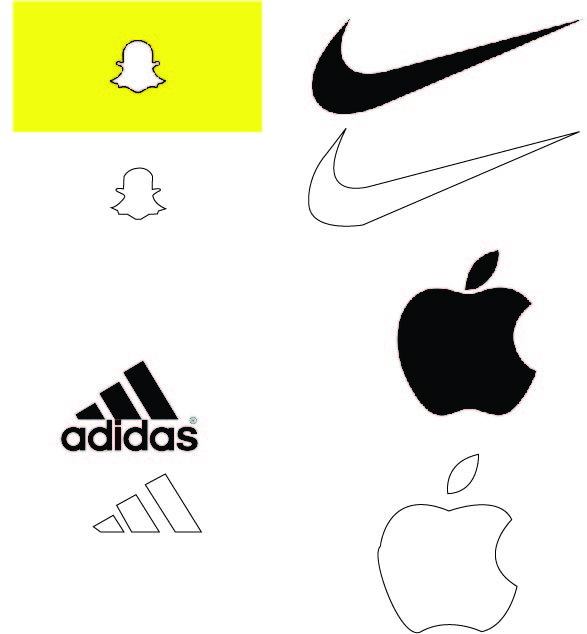
I started by looking for images that I find would be interesting to try and draw my own replicas of. I chose the snapchat, nike, adidas, and apple logos. I used the pen tool to trace each line of the original logo. In my opinion the easiest logo to trace was the nike logo. The hardest logo to trace the snapchat logo. Overall, this was a fun and interesting activity to do.
Poster
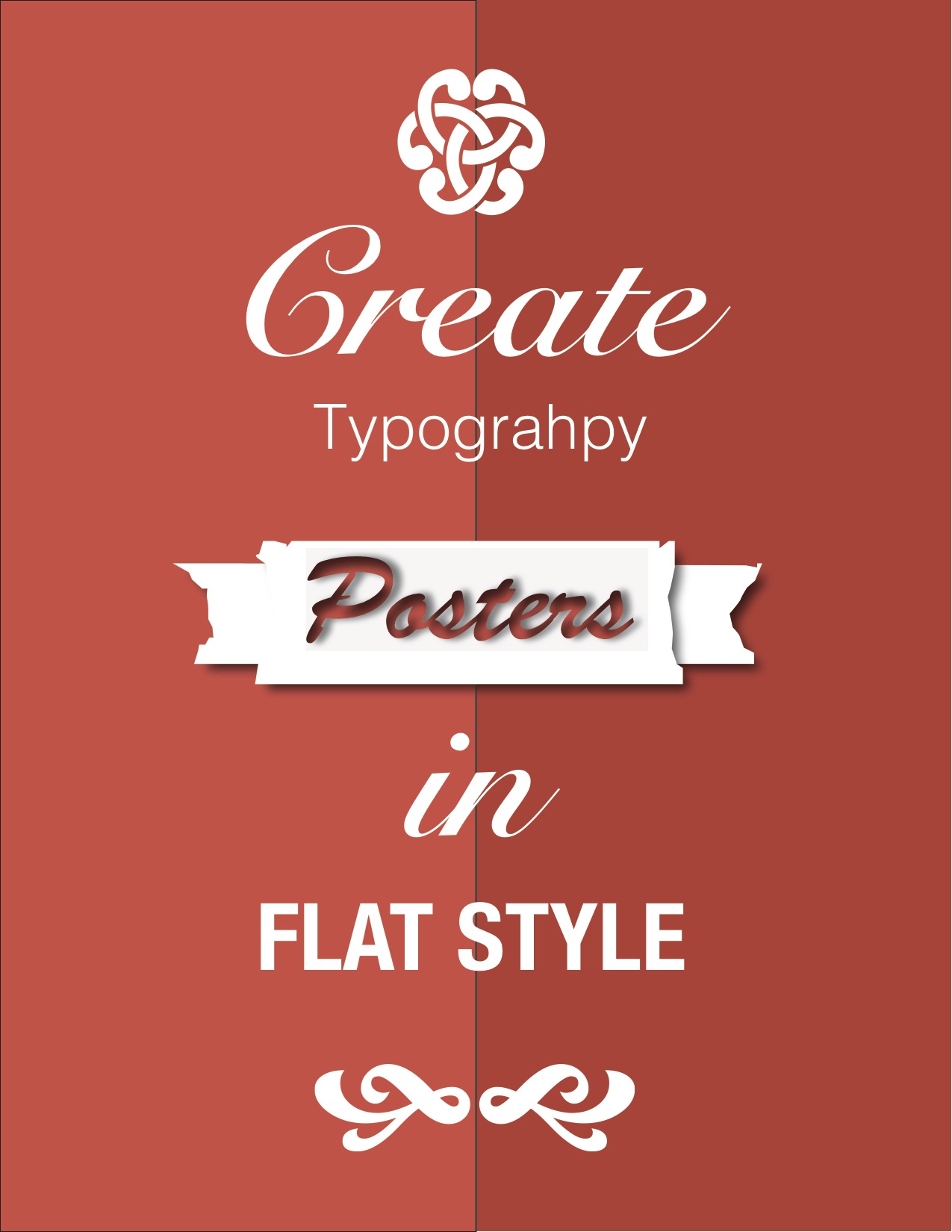
For this assignment, we created two rectangular boxes in the background. I added two different shades of red and then proceeded to add the symbols at the top, middle, and bottom of the page. I then proceeded to open the images in illustrator and change the color from black to white. After that, I added text boxes and changed the font sizes and chose several different styles of font to make it look nice. Overall this was a fun project to do.
Pear
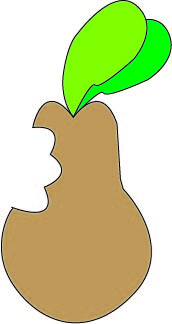
I traced the original image of the pear to create my own representation of the pear and its leaves. I used the pen tool to trace it. After that, I colored in the pear and leaves to make it look colorful and vibrant.
Elephant
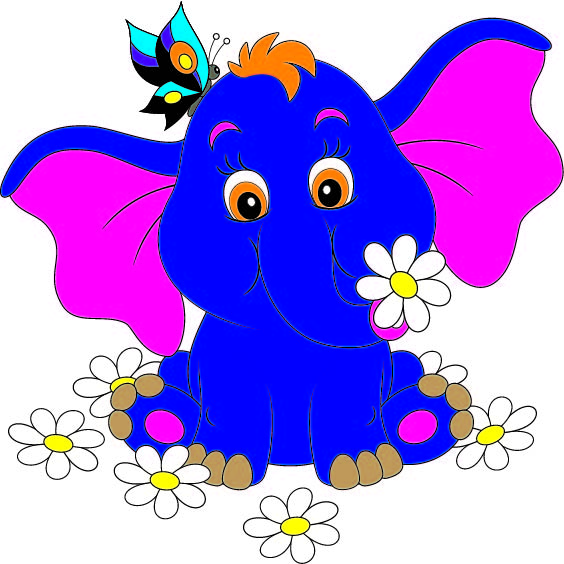
For the elephant, I traced the entire picture into a new document. I then used the different color palettes to make the elephant look bright and vibrant. By using different colors I was able to make this project fun and interactive.
Pencil

For this assignment, I used the pen tool in illustrator to trace the different shapes of the pencil. I then shaped the a little differently and placed them over each other. I placed the two rectangles on top of each other and made them different colors. I then added the metal part as well as the eraser and the point. After that, I used the shaved part to connect the point to the rest of the pencil.
Social Awareness Poster
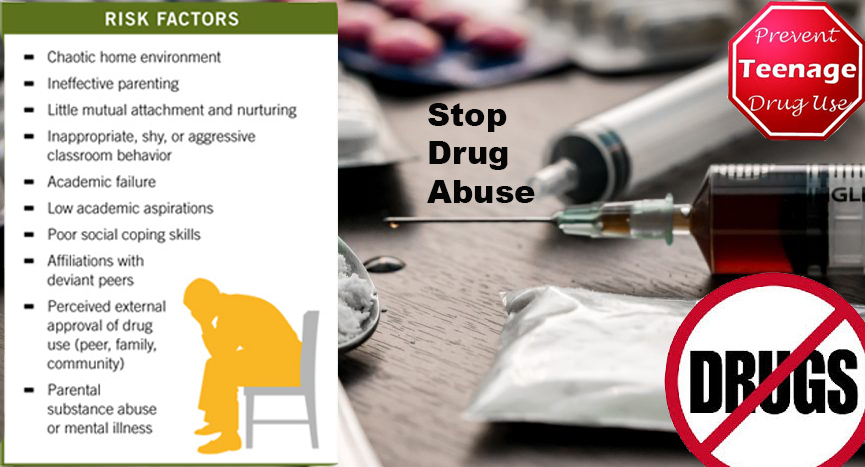
For my poster I wanted to make a poster of something that has happened near me. I went and found a photo of drugs that seems very harmful and graphic to some to use as the background. This was to get the point across that this a serious problem that needs to be stopped. I then went and found some facts of what drugs do and a sign that says stop drugs.
Retouching Images
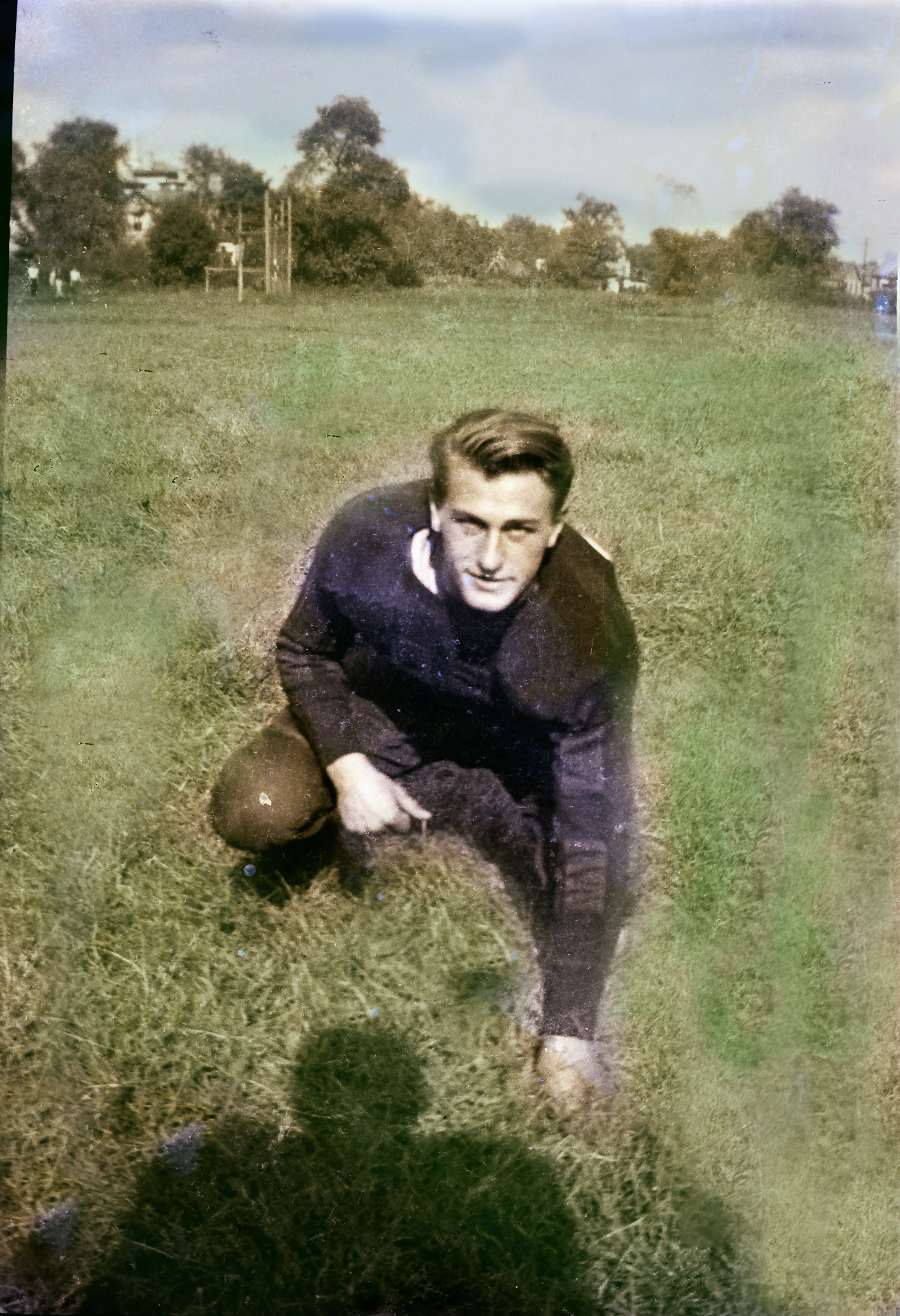
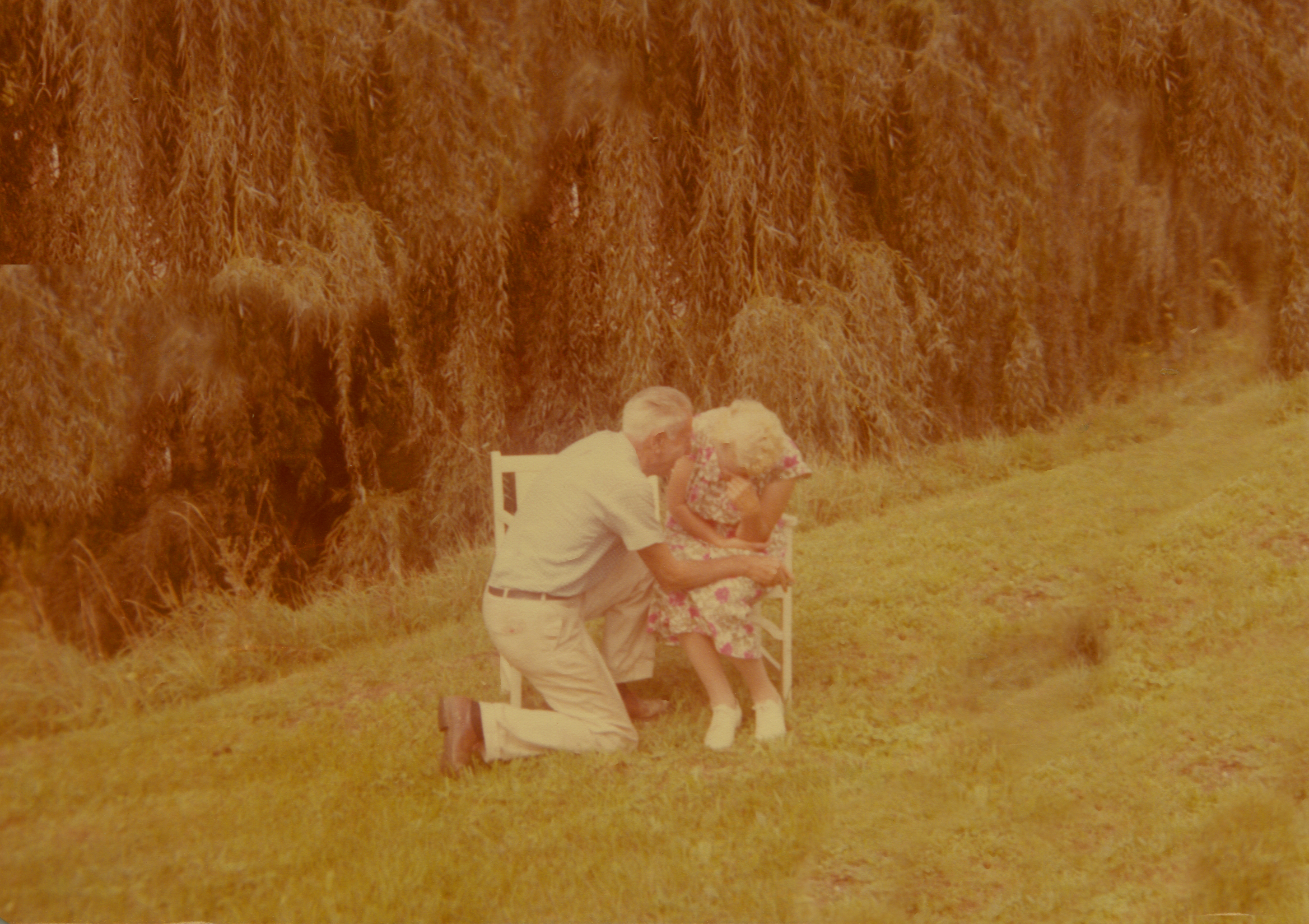
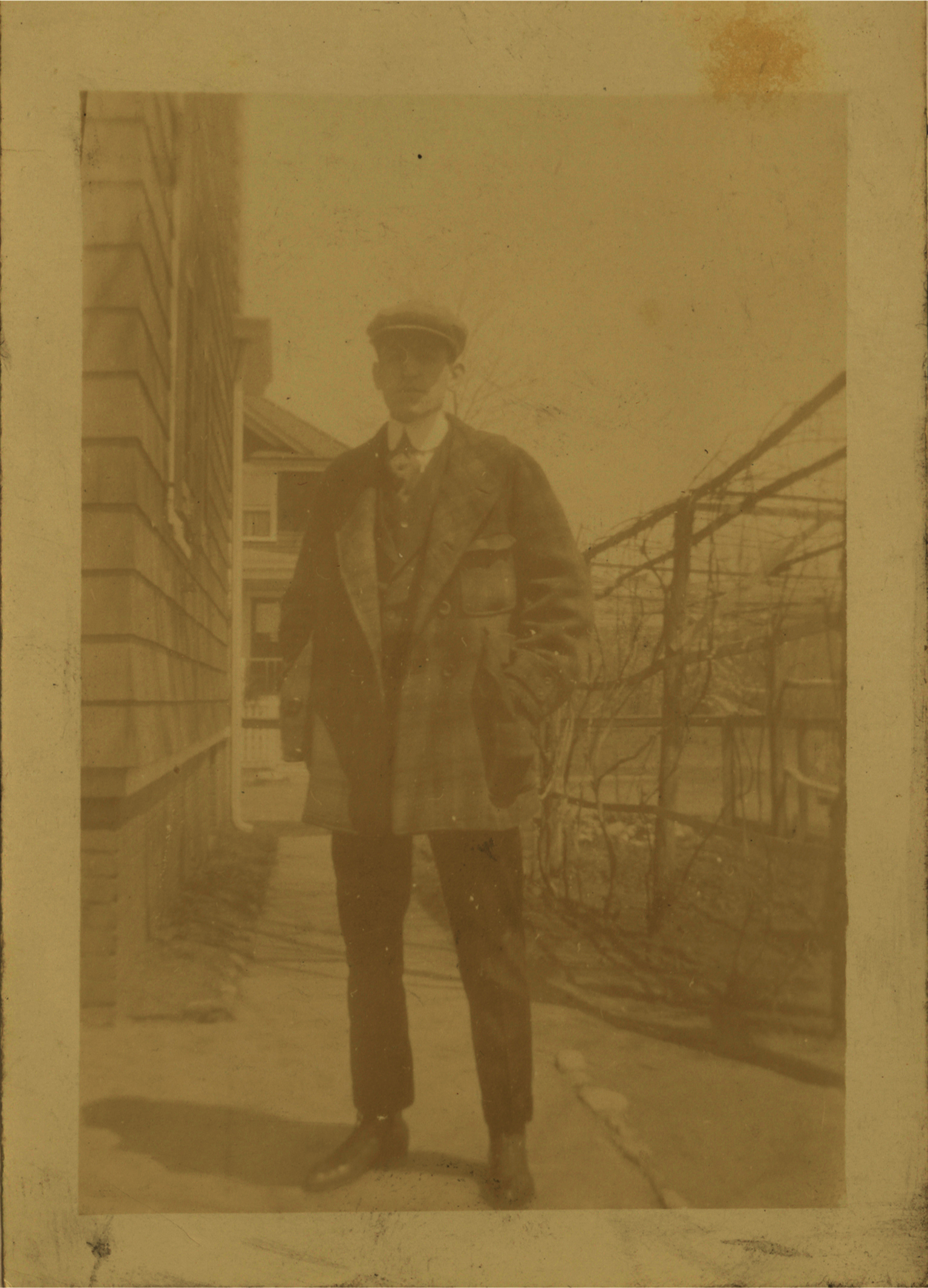
For the first image, I took an old, faded black and white image, and proceeded to take out all of the glare and fade. I also decided to add some color using the paint tool and brought color to the sky, grass, and trees in the background. The second image was very dark and had a rip in it. I made the image lighter, brought some more colors into it, and fixed the rip using the patch tool, The third image was extremely dark so I made the image lighter and took out some of the stains on the image.
Layer Masks



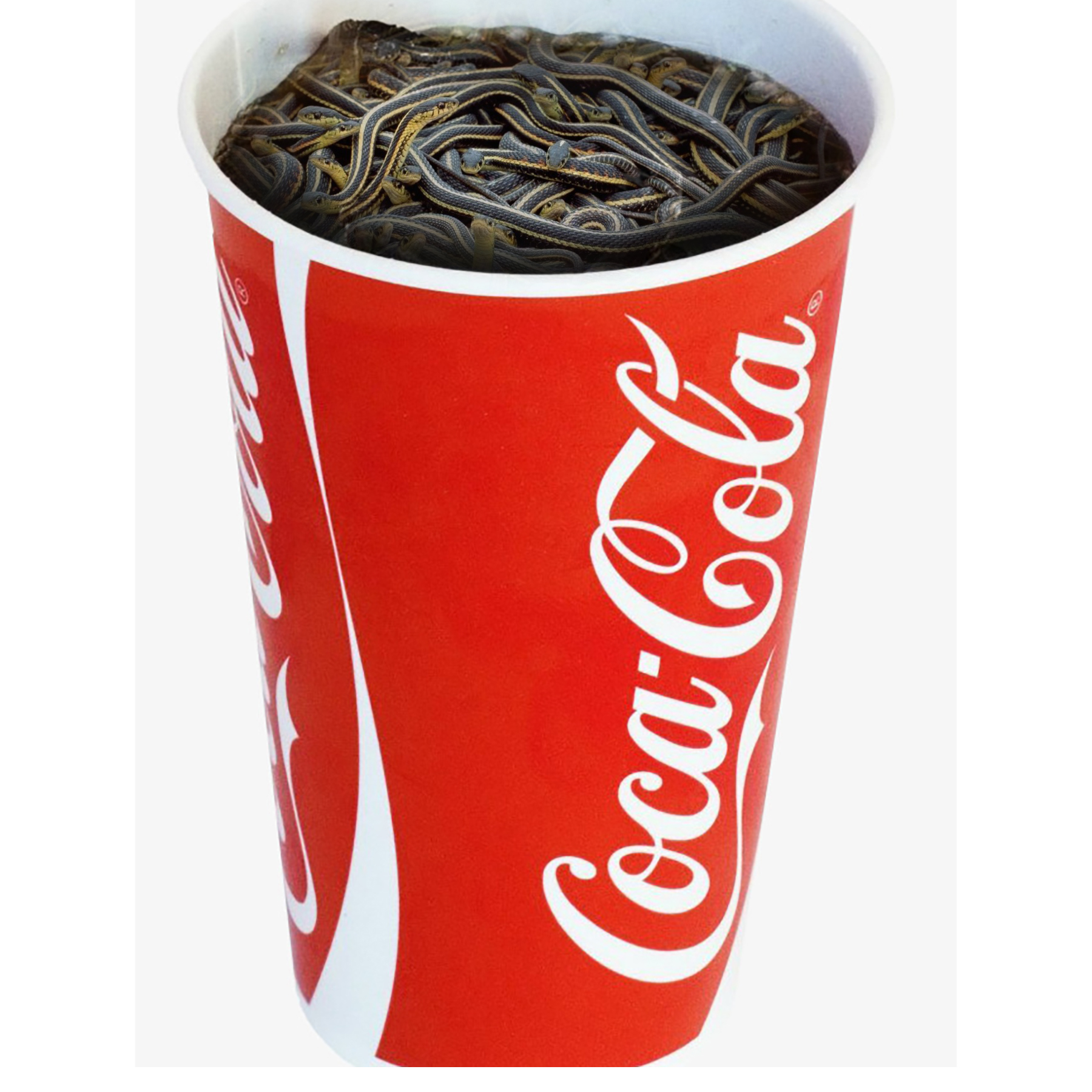


In this assignment, I wanted to be creative. I decided to take a coke soda cup and take out the soda and ie cubes within the cup. I then found a picture of some snakes on the internet and placed it behind the soda cup layer. I used the eraser to lighten the inside of the soda cup and bring the snakes into the photo. As a result, I was able to show the snakes within the cup.
Original Composition
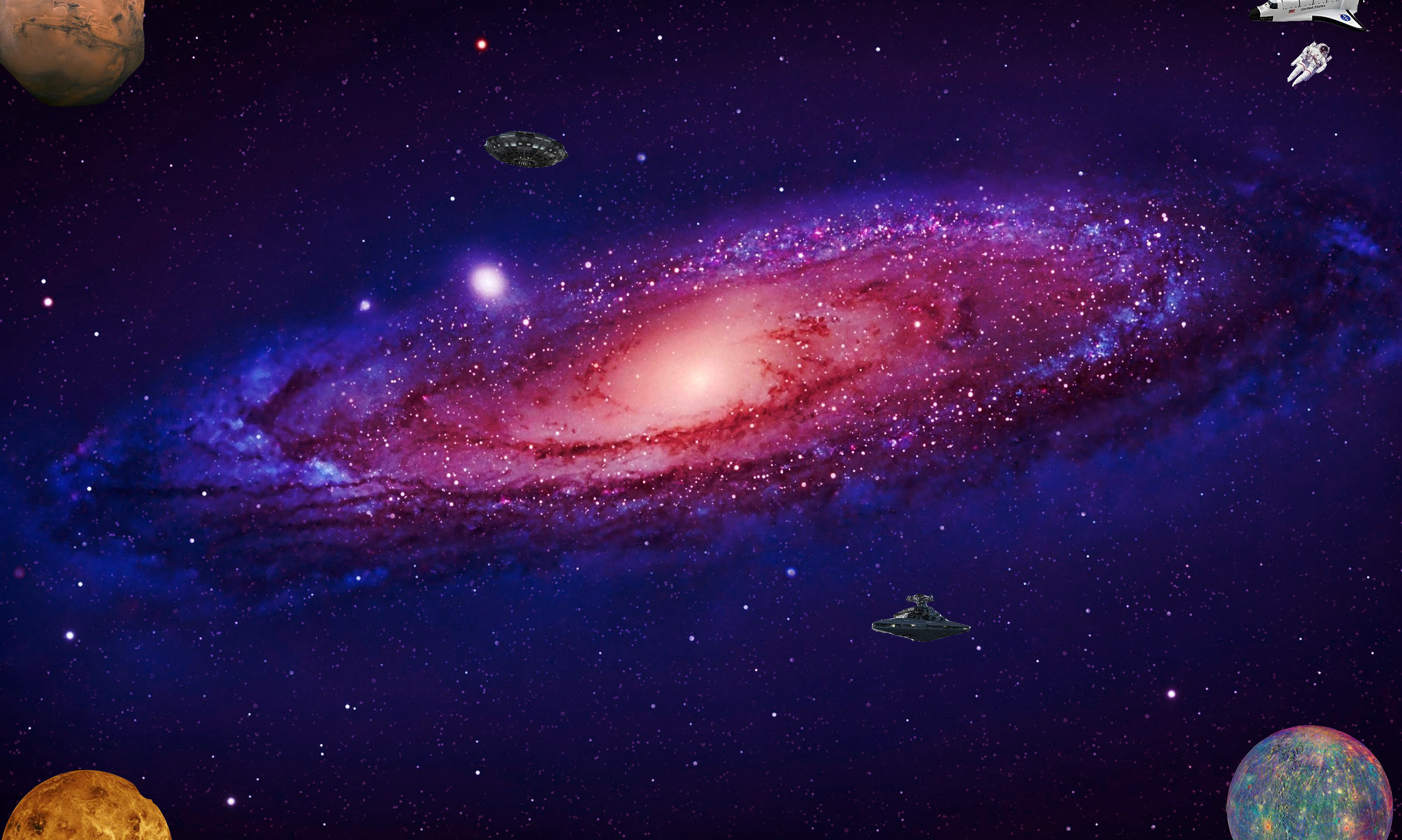
I found the background on Goggle and copy and pasted it into Photoshop. I then went and added some images that I felt would capture the scene of outer space. I used the lasso tool to crop the images out of their original photos, and then proceeded to add them to the andromeda photo.
The Journey Begins
Thanks for joining me!
Good company in a journey makes the way seem shorter. — Izaak Walton

 My Blog