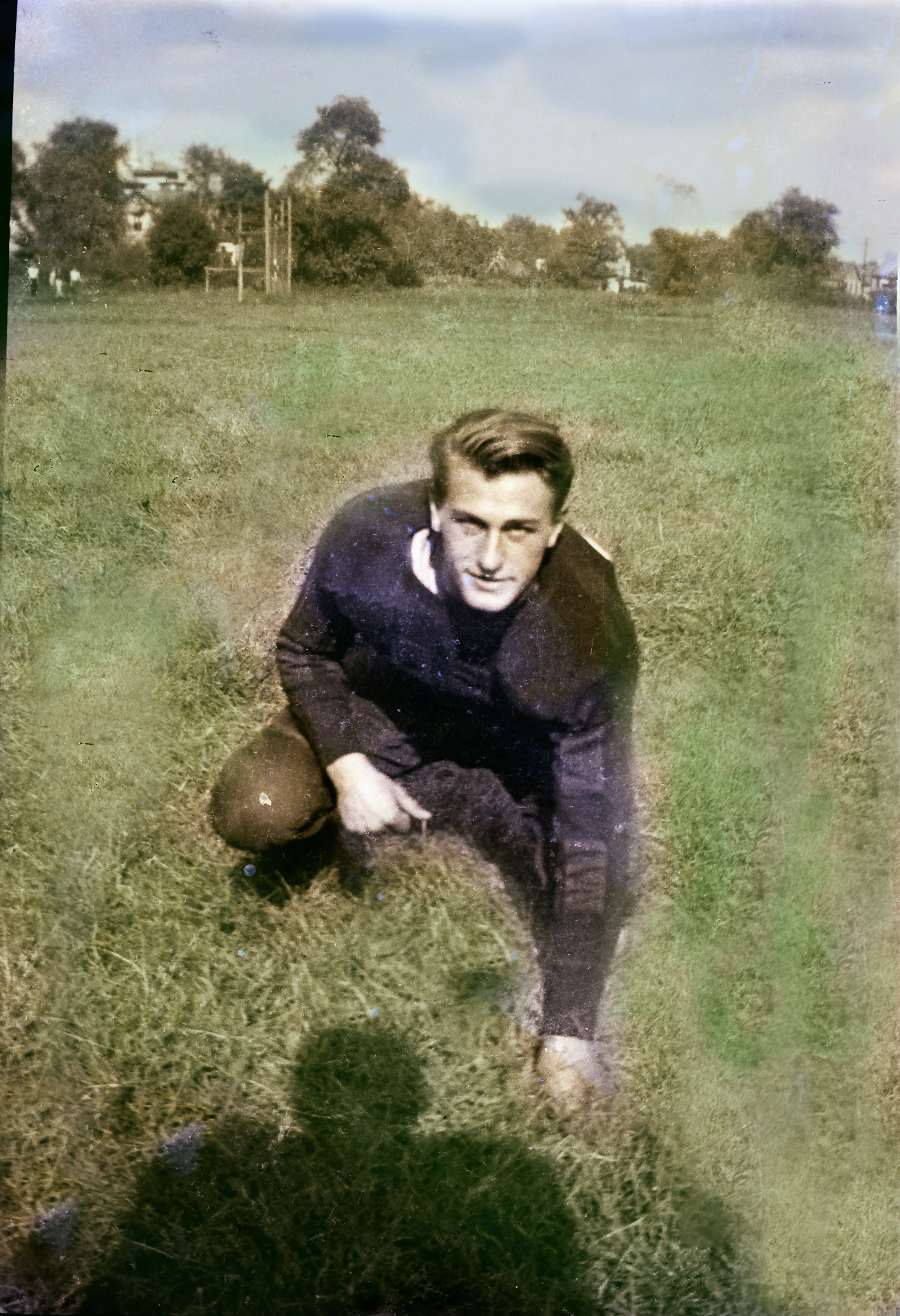
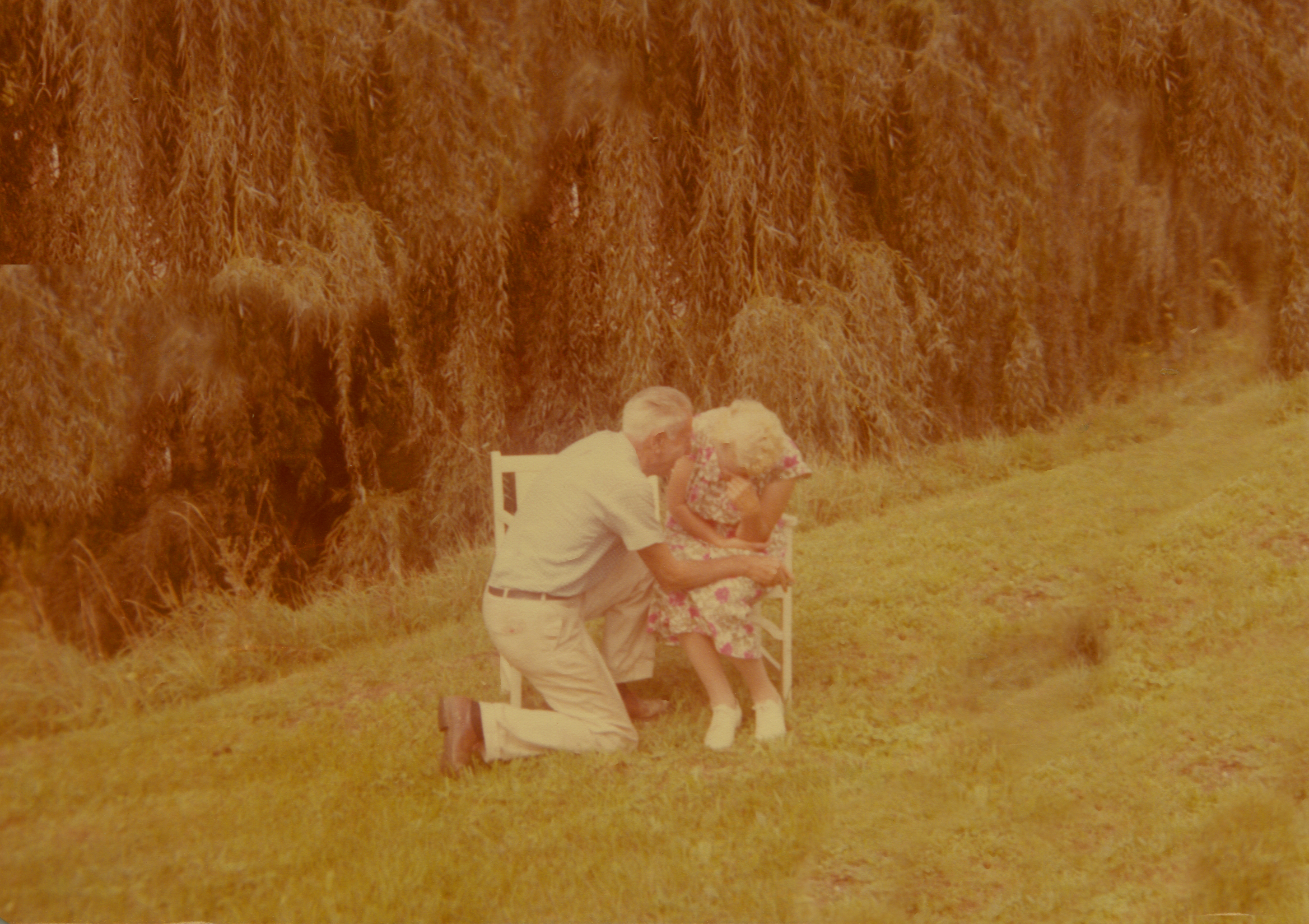
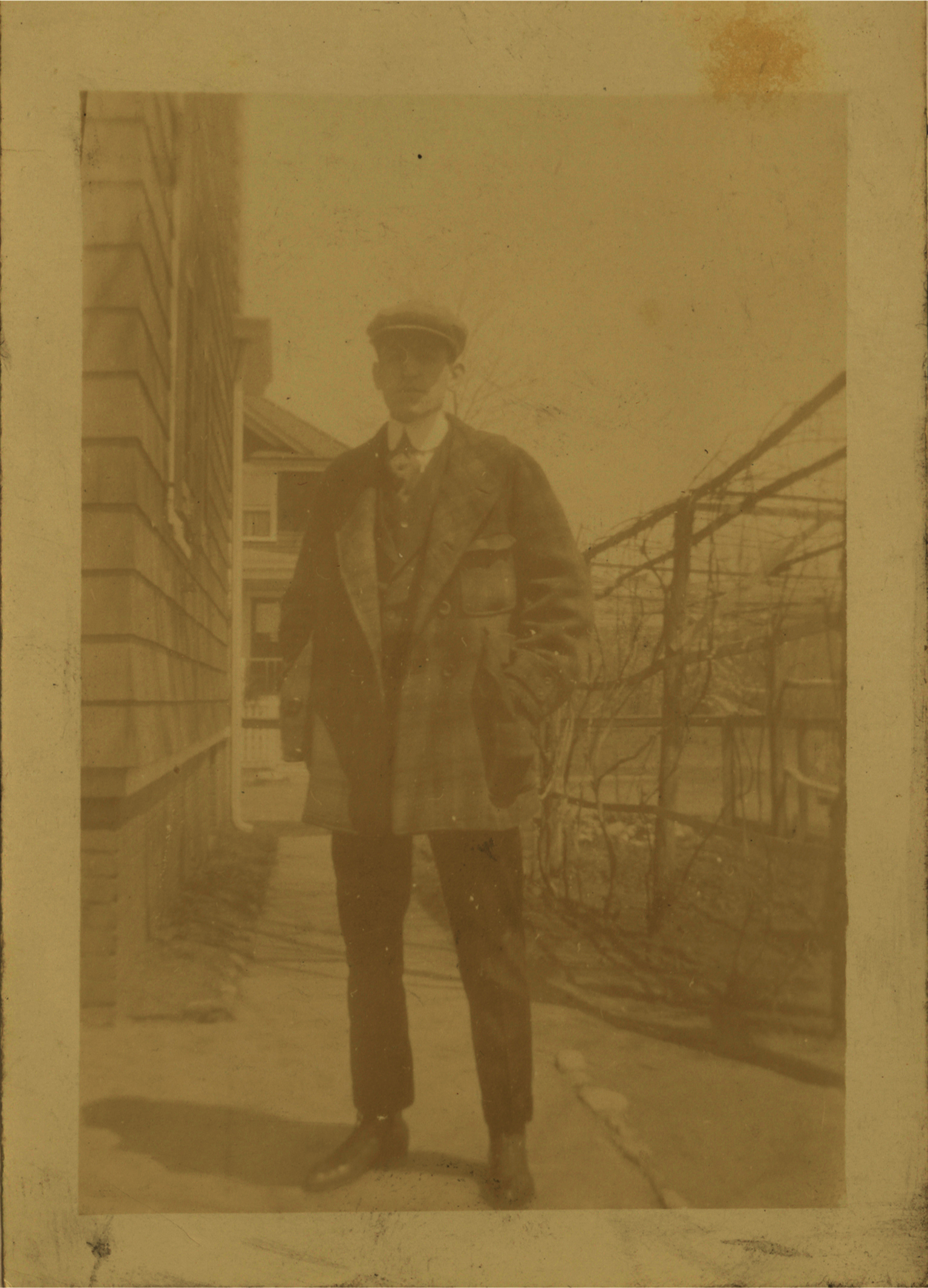
For the first image, I took an old, faded black and white image, and proceeded to take out all of the glare and fade. I also decided to add some color using the paint tool and brought color to the sky, grass, and trees in the background. The second image was very dark and had a rip in it. I made the image lighter, brought some more colors into it, and fixed the rip using the patch tool, The third image was extremely dark so I made the image lighter and took out some of the stains on the image.
Retouching Images

Published
 My Blog